How to start the evening
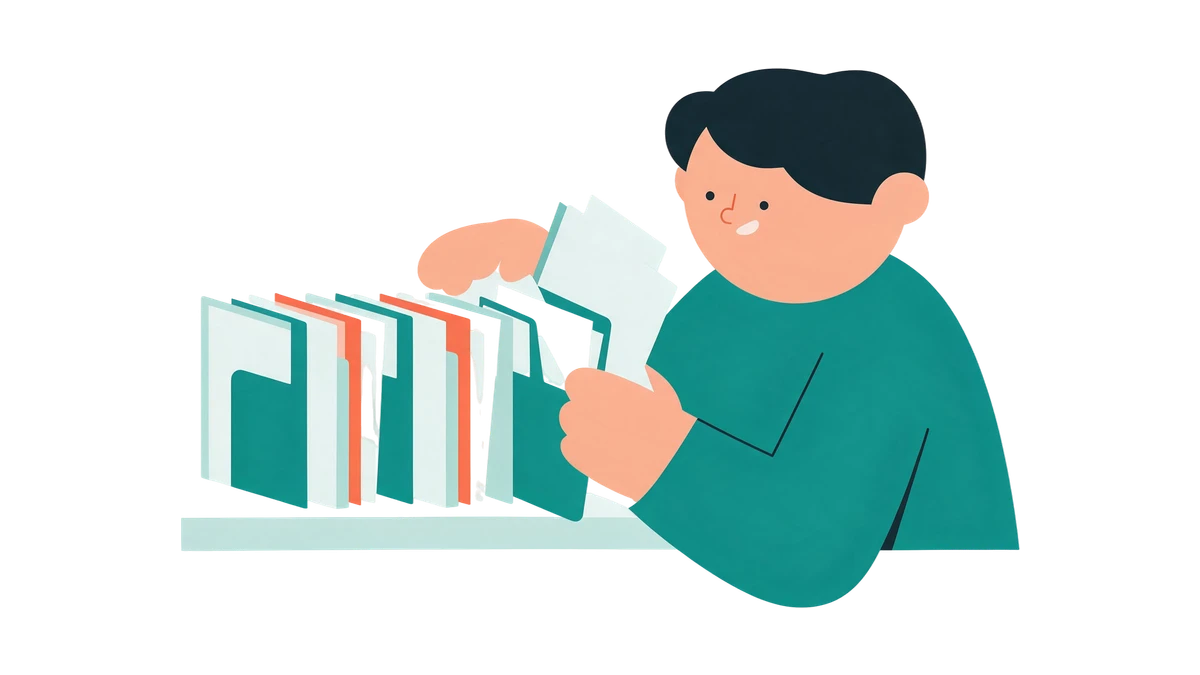
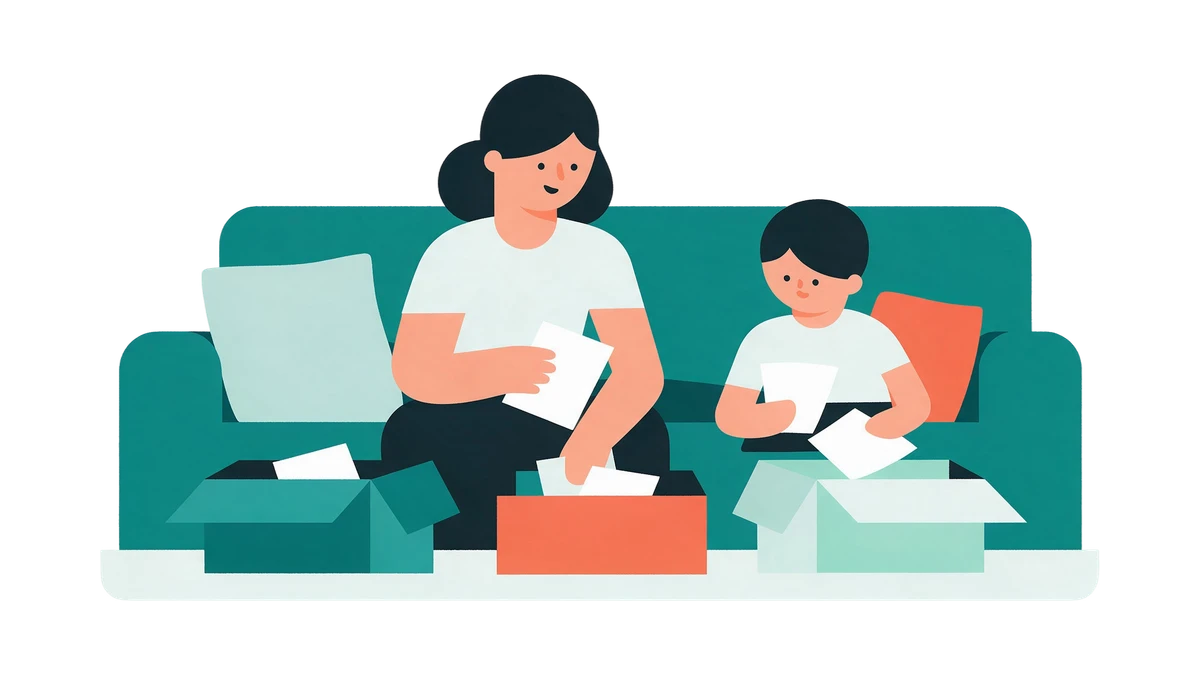
Gather all the papers in one place and lay them out in piles: first by person, then by date.
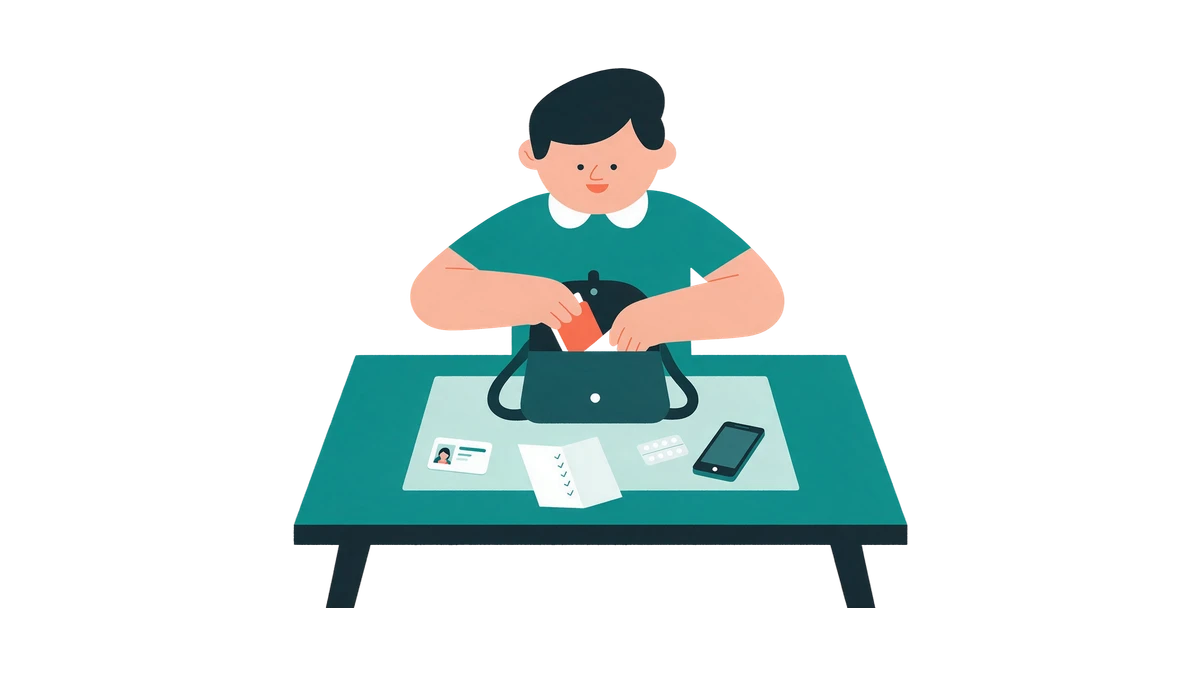
Get everything out at once: the desk drawer, the folders, the bags from clinics, the sheets from handbags. There is no need to read closely now – the task of the evening is only to sort and photograph.
- Test results
- Hospital discharge notes and doctors' reports
- Prescriptions and instructions
- Imaging reports: ultrasound, X-ray, MRI
- Vaccination certificates
If there are documents of children or parents among the papers, make a separate pile for each right away. Inside a pile lay the sheets out by date, from old to new. Put a sheet without a date aside: the date often hides in the header, by the stamp or on the back.
The Cleveland Clinic notes that it is easy to stop keeping track of a medical history, especially if you also keep one for children or elderly parents, and advises keeping the records on a phone or in a notebook so you can take them to an appointment.1
How to photograph so that everything is readable
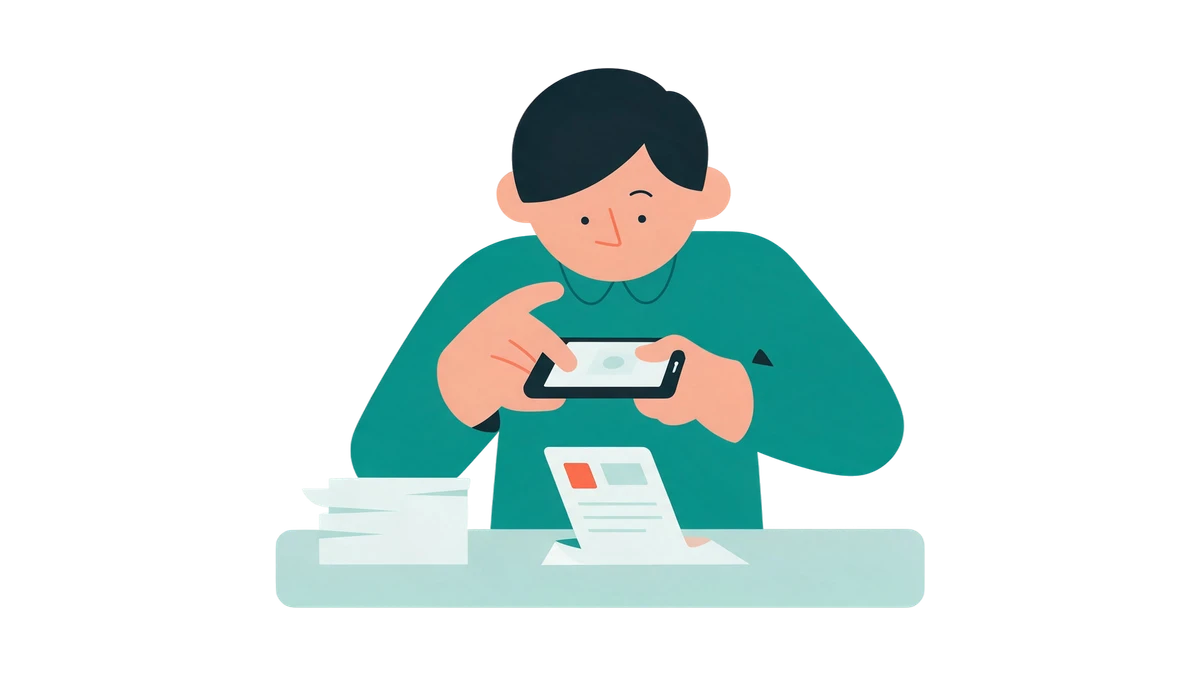
Shoot in even light, from above and in full – and check every frame while the sheet is still on the table.
Find even light
Daylight by the window beats the flash: the flash leaves a glare on glossy paper. Make sure the shadow of the phone and your hand does not fall on the sheet.
Lay the sheet flat
Smooth out the folds and put the sheet on a plain dark table. Hold the phone straight above the sheet, not at an angle.
Photograph the whole page
All the edges should be in the frame: the header with the name of the clinic, the date, the signature and the stamp. A cropped line may turn out to be the one you need.
Do not skip pages
Photograph every page and every back side, even if there is only one line on it. A multi-page discharge note is easier to save as a single PDF: the document scanner most phones have will straighten the sheets itself.
Check the figures
Zoom into the photo and make sure the values, the units and the dates are readable. If something is blurred, retake it at once, before the sheet goes back into the drawer.
How to name the files and what to do with the originals
Give every file a date and a clear name, sort them into folders, make a second copy and keep the important originals.
A handy name is the date, what it is and whose: “2024-03-15 Blood test Mum”. A date at the start sorts the files by itself. Folders can be made by person, and inside by year.
Make a second copy straight away: on a computer or in cloud storage with a strong password. An archive that lives only on one phone disappears with it.
Medical photos are better kept out of the general gallery: they are easy to show by accident while scrolling through pictures with others around, or to send to a shared album. Once the files are sorted into folders, delete the photos from the gallery and check the shared albums.
Originals of hospital discharge notes, doctors' reports, imaging reports and vaccination certificates are better kept in one folder. With the rest of the papers decide for yourself, and if in doubt, keep them.
According to the ONC, an agency of the US Department of Health and Human Services, a patient has the right to obtain a copy of their medical record from their doctor – electronic or on paper. The rules differ from country to country, so if a paper is missing, simply ask the clinic how to get a copy.2
How it will work in MedKeep
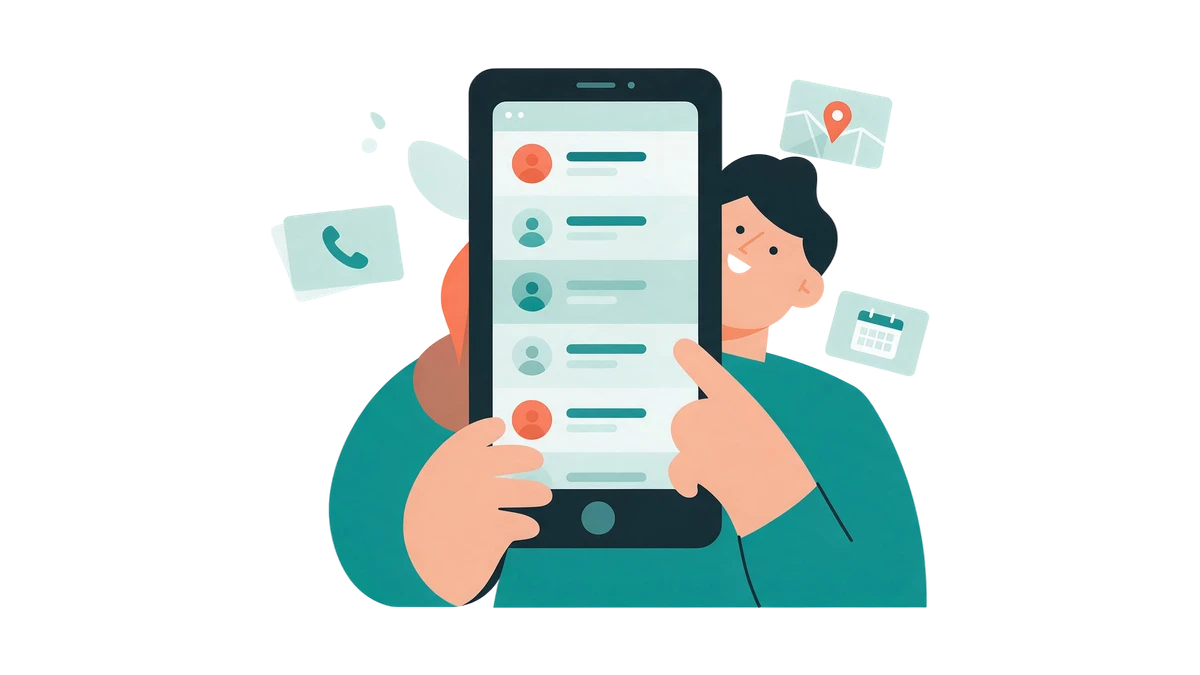
A photo or a PDF becomes a document with a name, a category and a date, and tests and prescriptions are recognised by the app itself – with your consent and after your check.
- You will be able to upload a photo from the camera or a file: PDFs and images up to 50 MB.
- Every document will have a card: name, date and category – test, prescription, doctor's report, scan, vaccination, allergy or other.
- Tests and prescriptions are recognised automatically, the rest with a “Recognise” button: the date, the clinic, the doctor, the values as printed. Everything recognised you check and confirm.
- Documents line up by date, with search by name and a filter by category.
- You will be able to leave a comment on a document, for example “taken fasting”.
- Files open without internet, and an upload without a network waits in a queue.
- You will be able to ask Nomi “which tests did I have in March” and get an answer with a link to the document.
- All data and files can be downloaded as one archive.
MedKeep will not be able to say whether a value is normal, even if the reference range is printed on the form: that is a question for a doctor. There will be no charts of values between tests in the first release – history and trends are planned for V1.